
Introduction: Beyond the Grid – Why a Calendar is Your Strategic Linchpin
In the frenetic digital ecosystem, social media management without a calendar is like sailing a stormy sea without a map. For brands, creators, and businesses, consistency is the currency of algorithm favor and audience trust. A social media calendar is not merely a scheduling tool; it is the central nervous system of your digital strategy, aligning tactics with overarching business goals. While premium tools like Hootsuite, Sprout Social, and Later offer robust functionalities, a well-structured free template can be the powerful, accessible foundation for any successful strategy. This deep-dive analysis explores the anatomy of an effective template, the strategic reasoning behind each component, and provides actionable insights for leveraging these free resources to drive meaningful engagement.
1: Deconstructing the Ideal Social Media Calendar Template – A Component Analysis
A truly effective template moves beyond basic date and post columns. It is a multi-dimensional planning document. Here’s a breakdown of its core components and the strategic “why” behind each.
1. The Foundational Grid: Chronology and Platform
-
Columns: Date/Day, Time (Timezone specified), Platform/Channel.
-
Strategic Analysis: Different platforms have unique peak engagement times and audience behaviors. Scheduling a LinkedIn article for 9 AM on a weekday targets professionals starting their day, while a TikTok should be timed for evening leisure scrolling. This column forces intentional platform-specific timing, a critical factor in organic reach. Research from platforms like Meta Insights and independent studies consistently show timing can impact visibility by up to 30%.
2. The Content Core: From Idea to Asset
-
Columns: Post Copy (with hashtags and emojis), Visual Asset Link/Description, CTA (Call to Action), and Link/URL.
-
Strategic Analysis: This is where creativity meets conversion. Requiring a pre-written copy ensures brand voice consistency and allows for proofreading. The visual asset column underscores the non-negotiable primacy of visuals in social media—video now commands the highest engagement rates across all major platforms. The dedicated CTA column is crucial; every post should have a purpose, whether it’s “Visit our blog,” “Sign up,” “Comment below,” or “Shop now.” Without a defined CTA, engagement often lacks direction.
3. The Strategic Layers: Categorization and Goals
-
Columns: Content Pillar/Category, Campaign/Theme, Status (Draft, Scheduled, Published).
-
Strategic Analysis: This is what separates strategic content from random posts. Content Pillars (e.g., Education, Entertainment, Community, Promotion) ensure a balanced feed that delivers value, not just sales pitches. The 80/20 rule often applies: 80% value-driven content (informing, entertaining, engaging) to 20% promotional. The Campaign/Theme column ties daily activity to larger marketing initiatives (e.g., “Product Launch Week,” “Sustainability Month”), ensuring cohesive storytelling.
4. The Performance Dashboard: Closing the Feedback Loop
-
Columns: Metrics (Impressions, Engagement Rate, Clicks), Notes/Learnings.
-
Strategic Analysis: A calendar that doesn’t account for performance is a plan doomed to repeat mistakes. Allocating space to record key metrics post-publication transforms the calendar from a static plan into a living document of insight. This practice fosters a culture of data-driven iteration, allowing you to identify what resonates (e.g., “How-to videos on Instagram Reels see 2x engagement”) and pivot away from underperforming formats.
2: The Deep Research: What Data Says About Social Media Planning
Implementing a template is the first step; understanding the underlying principles is what breeds success.
-
Consistency vs. Frequency: A Sprout Social study confirms that consistent posting is more valuable than frequent, erratic bursts. Algorithms favor accounts with reliable activity. A calendar enforces this consistency, building algorithmic trust and audience expectation.
-
The Rise of the “Phygital” and Platform Convergence: The line between physical and digital is blurring. Instagram guides can promote live events; TikTok can drive in-store traffic. Your calendar must facilitate this cross-channel narrative, using each platform’s strengths (e.g., TikTok for hype, Instagram for aesthetics, Facebook for community details) to support a unified goal.
-
Audience-Centricity Through Data: Templates force you to plan for your audience, not just at them. By reviewing the “Notes/Learnings” column quarterly, you can develop sophisticated audience personas. For instance, data might reveal your YouTube audience prefers deep-dive tutorials over 60 seconds, directly informing future content creation.
-
Agility Within Structure: A common misconception is that a calendar stifles spontaneity. In reality, it enables it. By having 70-80% of content planned and scheduled, your team gains the bandwidth and mental space to capitalize on real-time trends, newsjacking opportunities, or community conversations—you can plug these into the “flexible” slots you’ve intentionally left open.
3: Curated Selection: Top Free Social Media Calendar Template Downloads
Here is an analysis of top-tier free templates, categorized by use-case.
1. For the Comprehensive Strategist: The Marketing Master Spreadsheet
-
Source: Smartsheet, HubSpot.
-
Analysis: These are often Google Sheets or Excel files with multiple, interlinked tabs (e.g., yearly overview, monthly grid, campaign briefs, asset library). They are excellent for teams needing a single source of truth. Their depth, however, can be overwhelming for solopreneurs. They excel in centralizing strategy but may lack visual intuitiveness.
2. For the Visual Planner: The Content Creator’s Notion or Canva Template
-
Source: Notion Templates Gallery, Canva Templates.
-
Analysis: Notion templates offer a relational database experience—tag a post with “Instagram” and “Holiday Campaign,” and it auto-populates in corresponding views. Canva templates are highly visual, mimicking a social feed. These are ideal for creative minds who think in images and cards rather than spreadsheets. They bridge the gap between planning and aesthetics.
3. For the Agile Team: The Trello or Asana Board
-
Source: Trello Template Library, Asana “Social Media Calendar” template.
-
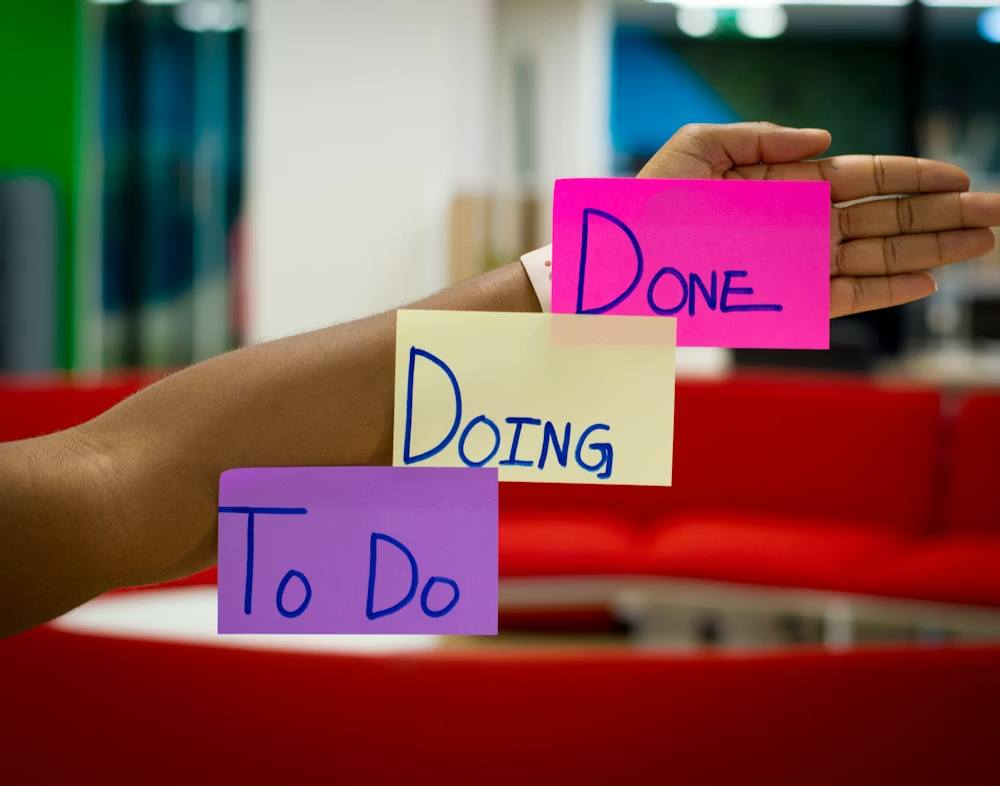
Analysis: Using a Kanban-style board (Columns: Ideas, To Create, Scheduled, Published, Performing Well). This is perfect for workflow management and collaborative teams. Cards can be moved easily, assigned to team members, and enriched with checklists, due dates, and attachments. It visualizes the production pipeline brilliantly but may be less optimal for a clean, date-centric monthly view.
4. For the Platform-Specific Focus: Meta Business Suite or Later’s Free Plan
-
Source: While not a “download,” Meta’s built-in planner and Later’s free tier (for 1 platform per social set) are template-in-action tools.
-
Analysis: These are best for beginners or single-platform power users. They reduce friction by allowing direct scheduling and providing platform-specific analytics. The trade-off is a lack of holistic, cross-platform visualization on a single screen.
4: Implementation & Optimization: From Download to Dominance
Downloading a template is just step one. Here’s how to operationalize it.
-
Audit & Align: Before you populate a single cell, conduct a social media audit. What has worked? What are competitors doing? Align your upcoming content with clear business objectives (Brand Awareness, Lead Generation, Community Growth).
-
Brainstorm & Batch: Use your Content Pillars to brainstorm quarterly themes. Then, batch-create content. Write a month’s worth of captions in one sitting, design multiple graphics in one Canva session, and film several videos at once. This is where the calendar delivers massive efficiency gains.
-
Schedule & Integrate: Use your template in tandem with free scheduling tools. Plan the month in your master template, then transfer the schedule to a tool like Meta Business Suite, Later (free plan), or Buffer (limited free plan) for automatic publishing. This combines strategic oversight with automation.
-
Review & Iterate Religiously: Hold a weekly 15-minute meeting to review the past week’s performance notes in the calendar. What CTA drove the most clicks? Which visual style got the most saves? Use these insights to adjust the upcoming scheduled content. This agile feedback loop is the single most important step most brands miss.
Conclusion: The Template as a Catalyst for Strategic Discipline
A free social media calendar template is more than just a downloadable file; it is a framework for discipline, a catalyst for creativity, and a repository of collective intelligence. In an age where content is abundant but attention is scarce, the brands that thrive are those that plan with purpose, execute with consistency, and learn with intent. By choosing a template that fits your workflow, deconstructing its components to understand their strategic value, and committing to the iterative process of planning, publishing, and analyzing, you transform your social media presence from a reactive task into a proactive, powerful engine for growth. The perfect template isn’t the one with the most features—it’s the one you and your team will use, update, and evolve every single day.