
If you’re posting on social media without a plan, you’re leaving growth on the table. A social media calendar template is the single most powerful (and underused) tool for brands, creators, and small businesses trying to stay consistent, strategic, and ahead of their competition.
In this guide, you’ll learn exactly what a social media calendar template includes, why each component matters, which free templates are worth downloading in 2026, and how to implement one so it actually works — not just sits in your Google Drive.
What Is a Social Media Calendar Template?
A social media calendar template is a planning document — usually a spreadsheet, Notion database, or Kanban board — that maps out your upcoming social media posts across platforms, dates, content types, and goals.
Think of it less like a to-do list and more like a strategic command center. It connects your daily content to your bigger business objectives, ensures your team stays aligned, and gives you the structure to post consistently without burning out.
Quick fact: Brands that post consistently see significantly higher organic reach and follower growth than those that post sporadically, according to multiple industry studies.
Why You Need a Social Media Calendar (Beyond Just “Staying Organized”)
Most people think of a content calendar as a scheduling tool. It’s actually much more than that.
Here’s what a well-built social media calendar template actually does for your strategy:
1. It enforces consistency — the #1 factor in algorithm performance. Platforms like Instagram, TikTok, and LinkedIn reward accounts that show up reliably. A calendar removes the guesswork of “what do I post today?”
2. It aligns content with business goals. Random posts don’t build pipelines. When your calendar connects each post to a goal (awareness, leads, sales, community), every piece of content earns its place.
3. It frees up bandwidth for real-time engagement. When 70–80% of your content is planned in advance, you have mental space to jump on trends, engage with your audience, and respond to comments — things that actually build community.
4. It creates a feedback loop. A good template doesn’t just plan posts — it tracks performance, so you learn what’s working and stop repeating what isn’t.
The 4 Core Components of an Effective Social Media Calendar Template
Not all templates are created equal. Here’s a breakdown of what separates a powerful template from a basic one — and why each piece matters.
1. The Scheduling Grid: Date, Time, and Platform
What it includes: Post date, time (with timezone), and the specific platform.
Why it matters: LinkedIn, Instagram, TikTok, and Facebook each have different peak engagement windows and audience behaviors. A LinkedIn post performs best on weekday mornings when professionals are starting their day. A TikTok video is better suited for evening scroll time.
Specifying platform in your calendar forces intentional, platform-specific timing decisions — a small detail that can noticeably impact your organic reach.
2. The Content Core: Copy, Visuals, CTA, and Links
What it includes: Post caption (with hashtags and emojis), visual asset link or description, call to action, and destination URL.
Why it matters: This is where your strategy meets execution. Pre-writing captions ensures brand voice consistency. The visual asset field reinforces that video and image content consistently outperforms text-only posts across every major platform.
Most importantly — every post needs a CTA. Without one, even high-performing content fails to convert attention into action. Whether it’s “Save this for later,” “Click the link in bio,” or “Comment your answer below,” your CTA is what turns passive viewers into active participants.
3. The Strategic Layer: Content Pillars, Campaigns, and Status
What it includes: Content category/pillar, current campaign or theme, and post status (Draft → Scheduled → Published).
Why it matters: This is the component that separates reactive posting from intentional content marketing.
Content pillars (for example: Education, Inspiration, Community, Promotion) ensure your feed delivers real value — not just a constant stream of sales pitches. A common benchmark is the 80/20 split: 80% value-driven content to 20% promotional.
Campaign tags tie individual posts to broader business initiatives — a product launch, a seasonal promotion, a brand awareness push. This cohesion is what makes your content feel like a story rather than random noise.
4. The Performance Dashboard: Metrics and Learnings
What it includes: Key performance metrics (impressions, engagement rate, clicks, saves) and a notes column for post-publication insights.
Why it matters: A calendar that tracks only future plans is half a tool. Adding a metrics section transforms your template into a living document of institutional knowledge.
Over time, this section reveals patterns: which formats outperform, which posting times drive more traffic, which CTAs convert. That data directly informs better decisions in the next planning cycle.
Top Free Social Media Calendar Templates in 2026
Here are the best free options available right now, categorized by use case:
Best for Teams and Strategists: HubSpot or Smartsheet
Download from: HubSpot’s free resource library or Smartsheet’s template gallery.
These are typically multi-tab Google Sheets or Excel files with yearly overviews, monthly grids, campaign briefs, and asset libraries. They work best as a single source of truth for teams who need everyone aligned in one place.
The downside: they can feel overwhelming for solo creators or small businesses just getting started.
Best for Visual Thinkers: Notion or Canva Templates
Download from: Notion Template Gallery or Canva’s free template library.
Notion templates use relational databases — tag a post as “Instagram + Holiday Campaign” and it auto-populates in every relevant view. Canva’s options are even more visual, mimicking the look of an actual social feed.
These are ideal for creative entrepreneurs who plan in visuals rather than rows and columns.
Best for Agile Teams: Trello or Asana
Download from: Trello Template Library or Asana’s “Social Media Calendar” template.
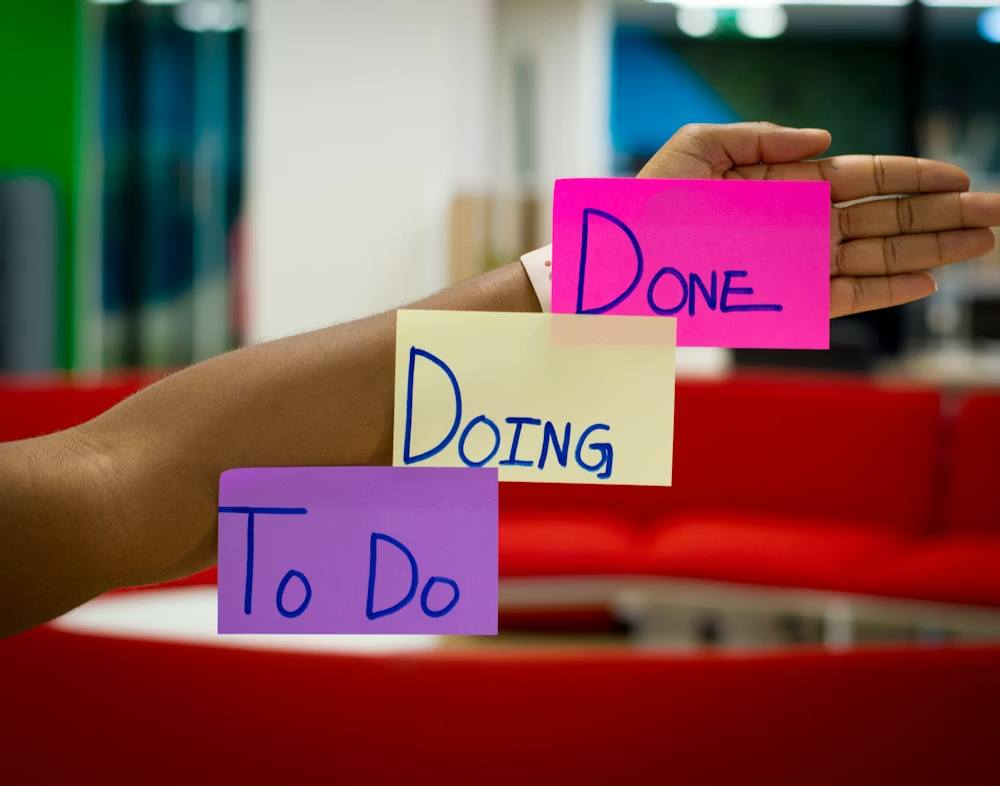
A Kanban-style board — Ideas → To Create → Scheduled → Published → Performing Well — gives teams a clear view of the content production pipeline. Cards can be assigned, tagged with due dates, and enriched with checklists.
This approach is excellent for workflow management but less optimal if you need a clean monthly calendar view.
Best for Beginners: Meta Business Suite or Later (Free Plan)
Not a download — but Meta’s built-in content planner and Later’s free tier are great all-in-one tools for single-platform users. They reduce friction by combining scheduling with basic analytics in one interface.
The trade-off: no cross-platform visibility and limited data compared to a custom spreadsheet.
How to Actually Implement Your Social Media Calendar (Step by Step)
Downloading a template is easy. Making it work is where most people stall. Here’s a practical four-step process:
Step 1: Audit Before You Plan Before filling in a single cell, review your last 90 days of content. What performed well? What flopped? What do competitors publish that resonates with your shared audience? Let this audit shape your pillars and themes going forward.
Step 2: Brainstorm and Batch Use your content pillars to plan one quarter at a time. Then batch-create: write a month’s worth of captions in one session, design multiple graphics in one Canva window, record several videos in a single shoot. Batching is where the calendar delivers its biggest efficiency returns.
Step 3: Schedule Using a Publishing Tool Plan strategy in your master template, then transfer to a free scheduling tool for automation. Meta Business Suite, Later’s free plan, and Buffer’s limited free tier all allow automatic publishing. The combination of strategic planning plus automated scheduling is what gives you back your time.
Step 4: Review, Learn, and Adjust Weekly Run a short weekly review — 15 minutes is enough. Look at last week’s performance notes. Which CTA drove the most clicks? Which post format earned the most saves? Use those answers to adjust your upcoming scheduled content. This review loop is the single step most brands skip — and the one that matters most.
Common Social Media Calendar Mistakes to Avoid
Even with a solid template, there are a few pitfalls that undermine results:
- Treating the calendar as a checklist, not a strategy. Every post should connect to a goal. If you can’t answer “why are we posting this?” remove it or rework it.
- Skipping the performance column. Planning without measurement is guessing. Track metrics from day one, even if you review them monthly.
- Over-planning with no flexibility. Build in 20–30% “open” slots for real-time content, trend response, and community engagement. A rigid calendar misses opportunities.
- Using the same content across all platforms. Each platform has its own norms, formats, and audience expectations. Repurpose — don’t just copy-paste.
Frequently Asked Questions About Social Media Calendar Templates
- What is the best free social media calendar template? For most users, HubSpot’s free Google Sheets template or a Notion database offers the best balance of depth and usability. Beginners may prefer starting with Meta Business Suite’s built-in planner.
- How far in advance should I plan social media content? Most marketing teams plan one to four weeks ahead for regular content and three months ahead for campaign-specific content. The key is finding a rhythm you can sustain consistently.
- Do I need a different calendar for each platform? You don’t need separate calendars, but your template should include a platform column so you can filter by channel when needed. Cross-platform visibility in one document is an advantage, not a limitation.
- How often should I update my social media calendar? Do a quick review weekly to track results and adjust upcoming content. Do a deeper strategic review monthly or quarterly to reassess pillars, themes, and goals.
- Can a social media calendar template improve engagement? Yes — indirectly but meaningfully. Consistent, intentional posting (which the calendar enables) is one of the strongest drivers of algorithm favor and audience trust on every major platform.
Final Takeaway
A free social media calendar template is not just a productivity tool — it’s the infrastructure behind every consistent, high-performing social media presence.
The brands and creators that win at social media in 2026 aren’t the ones posting the most. They’re the ones planning with purpose, executing with consistency, and using data to get smarter every week.
Pick a template that fits your workflow. Learn what each component is actually for. Commit to the review loop. That’s the full formula — and none of it requires a premium subscription to get started.